Minutes left today
571
60% of 1,440 minutes are gone

Track time with live calendar data. Count days, weeks, months, business days, holidays, life days, and due dates. Check weekdays, week numbers, and date differences. Plan your year, track important dates, and use life tools to see time in a clear way.
60% of 1,440 minutes are gone
60% of the 24 hours are gone
62% of November is gone
88% of 2026 is gone
The dates people search for most, worked out for today.
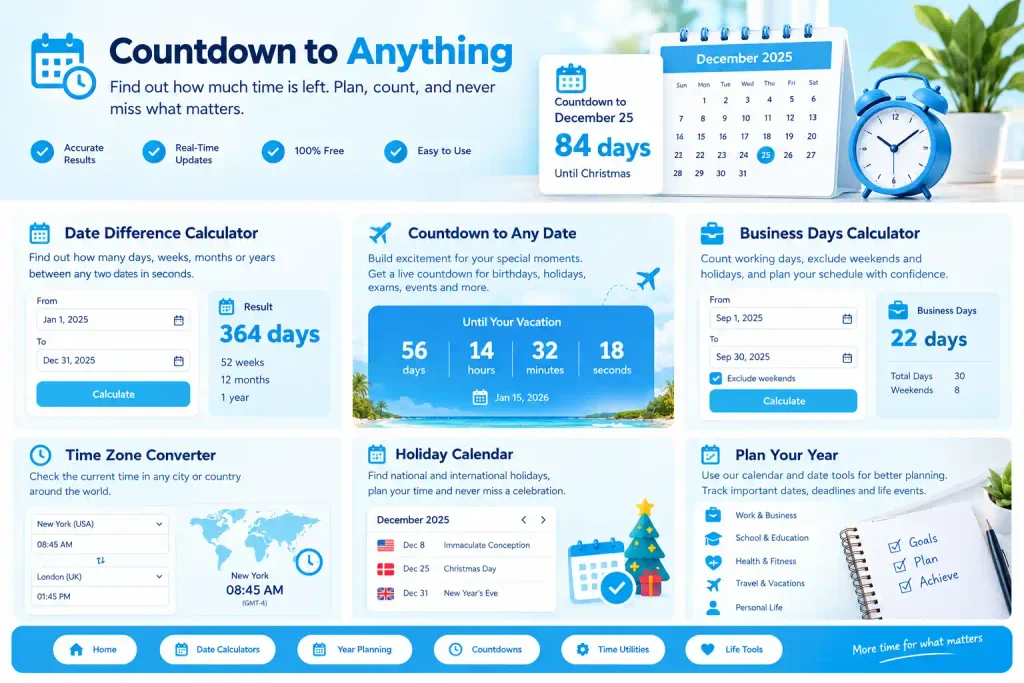
Live countdowns in days, weeks, months, hours, minutes, seconds, weekends, sleeps and fortnights to every holiday, season and date that matters.
Add or subtract days from a date, count business days, work out the gap between two dates, weekdays, week numbers and ages.
Live countdowns to a clock time, hours between two times, military time, Unix timestamps, time zones and daylight saving time.
Days, weeks and months left in the year, calendars, federal holidays, quarters, paydays, leap years and moon phases.
Birthday countdowns, milestone ages, due dates, weeks pregnant and reflective calculators that show time in weeks.
Every page recalculates from your own date and time zone, and always recalculates the selected date from your current time zone.
How many days until (or till) any date from January 1 to December 31.
JanFebMarAprMayJunJulAugSepOctNovDec
How many weeks until (or till) any date, or the start of any month.
JanFebMarAprMayJunJulAugSepOctNovDec
How many whole months until any date, or the start of any month.
JanFebMarAprMayJunJulAugSepOctNovDec
Your result is ready. Use the options on the page to copy it, share it, save a record, or download and print it in a format that works for you.
Start with the answer below “Use this calculation.” Read the explanation, working-day details, and accuracy notes to understand what the result includes.
Copy result copies the calculation text. Share result can share a link when your browser supports it. Share screenshot may ask you to choose a sharing app or save the image.
Select Print / PDF. In the print window, choose a printer or select “Save as PDF,” then confirm the save location.
Use Download CSV for spreadsheet rows, Copy JSON for structured data, or Calendar export and Google Calendar when those options are available for the calculation.
Choose Save current to keep a result in the page’s history. Use Clear history only when you want to remove saved entries. Open “Machine-readable result” to inspect additional data.

Paste the answer into a message, note, or document.
Print a paper copy or save a PDF for later.
Choose CSV or another export for your next step.
Keep useful results handy and find answers to common questions.
Fixed dates use the calendar, weekday rules such as the fourth Thursday of November use calendar arithmetic, and movable holidays such as Easter, Ramadan, Diwali and Hanukkah are computed from their own calendar rules for the exact year you open.
No. Results are recalculated automatically whenever the page loads, so countdowns and time-based calculations stay up to date without requiring manual changes.
If you enter a date that has already passed, the calculation automatically moves to the next occurrence of that date instead of counting from the past date.
The dates you enter are used only to generate the matching result page. If you want to save a calculation for later, you can save the result page or use the available sharing option.